Custom AI Tools · San Antonio
The work is specific. Your AI tools should be, too.
Cintman builds custom AI tools for small businesses around the decisions, information, and follow-through they already handle. Spend less time piecing things together and see a clearer next step, with your team still in control.
Built for the work you do—not a one-size-fits-all chatbot.

Where the work gets stuck
The hard part isn’t asking AI a question. It’s making the answer useful again tomorrow.
An opportunity arrives as a long document. Applications spread across tabs and reminders. A content plan lives in a sheet, with images and relationships somewhere else. A single prompt can help for a moment. A useful tool gives the work a dependable shape: what goes in, what to check, what comes out, and who decides what happens next.
Built from real work
Different jobs. The same discipline.

Cintman-built tool
Decision Workspace
Know whether an opportunity deserves the effort.
Decision Workspace is an AI-assisted RFP/RFX evaluation workflow. It organizes an opportunity, compares requirements and risks with a company profile, and helps a team examine a credible role—prime, subcontractor, specialist, or partner. It preserves the reasoning behind a pursue, partner, monitor, or no-go choice. The team reviews the evidence and makes the call.
First-party prototype
Job Application Command Center
Keep a search moving with intention.
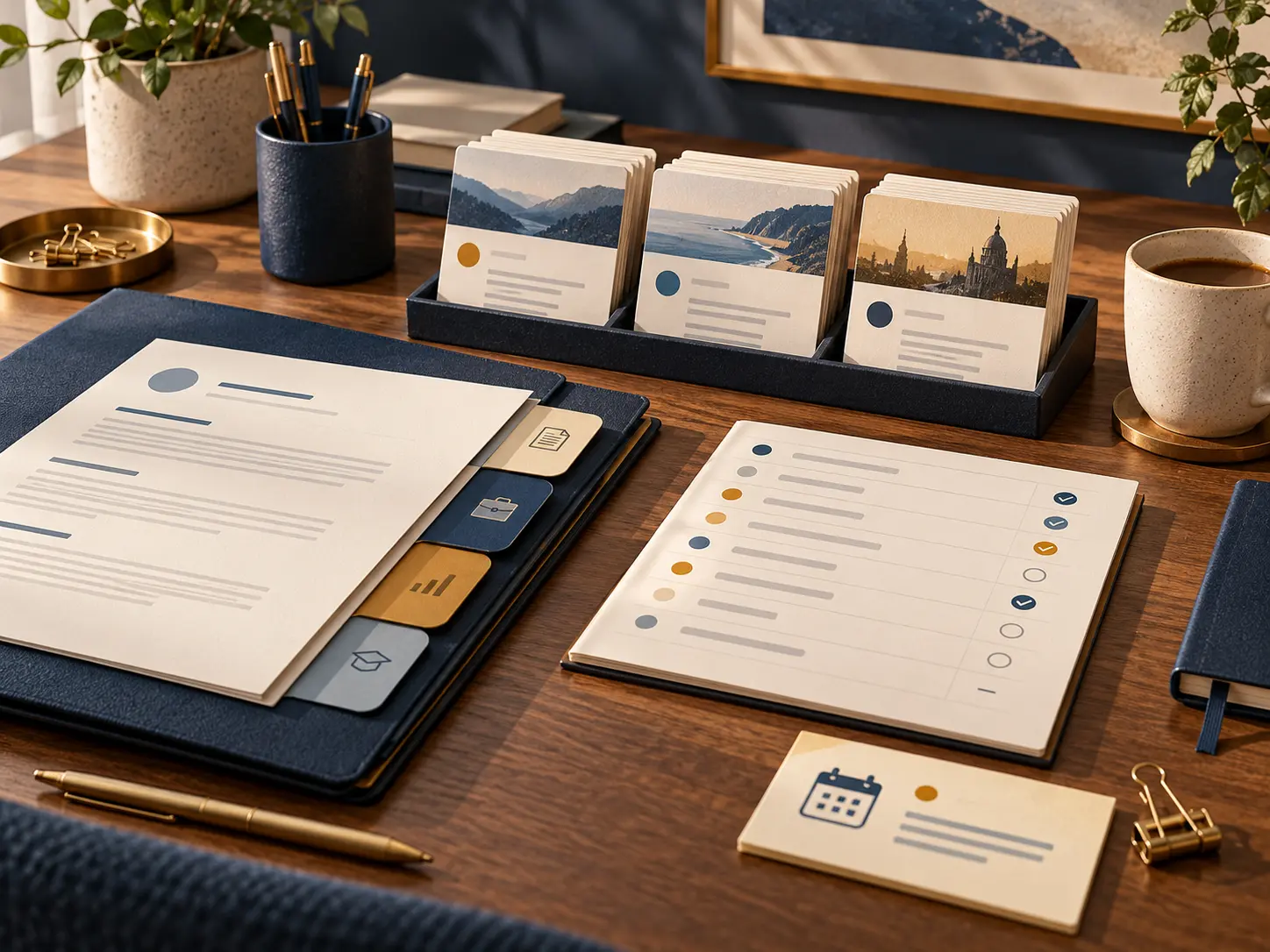
This Cintman-built prototype brings job details, fit analysis, evidence and gaps, resume handoff, application status, and follow-up into one working flow. It is designed to make the shortlist more deliberate and keep context from getting lost between applications. A person chooses where to apply and approves what to send.

Private prototype
OPS-664 Content Command Center
See the whole content operation.
OPS-664 is a private working prototype that brings the planning calendar together with publications, content items, assets, image requirements, blogs, brands, accounts, campaigns, imports, and recovery exports. Its Profiles to follow feature gives a business a place to organize relevant profiles by brand, record why each matters, keep platform links and relationship notes, and see when a profile was last checked. It supports thoughtful follow-through without making engagement automatic.
Concept images on this page were created with generative AI and reviewed by Cintman.
How Cintman makes a tool useful
A working system starts with your process—not a prompt library.
01
Find the repeatable work
Identify the decision or handoff that keeps costing time, the information it relies on, and what a good result looks like.
02
Give the tool its boundaries
Structure source material, rules, voice, review points, and the cases where it should say it does not know.
03
Build the smallest useful version
A guided workspace or lightweight app may be enough. Add integrations or agents where they truly reduce work and justify upkeep.
04
Test it in real use
Review outputs, fix rough edges, and keep a person responsible for consequential decisions and external actions.
What you get
Not another dashboard to maintain. A clearer way to get the work done.
Less scattered context.
Bring the information needed for the task into one working flow.
Repeatable quality.
Put useful checks and standards into the process.
Visible next actions.
Make decisions and follow-ups easier to find.
Room to grow.
Start modestly and add connections when they earn their cost.
Frequently asked questions
What counts as a custom AI tool?
A custom tool gives a recurring task a dependable process: the right inputs, instructions, checks, output, and next action. It could be a guided AI workspace, a lightweight app, or a connected workflow. Cintman starts with the work, then chooses the simplest useful form.
Do we need a full application or an AI agent?
Often, no. A structured workflow can be enough. Cintman recommends an app, integration, or agent when it solves a real handoff or repeated burden and its upkeep makes sense for your business.
Can it work with the platforms we already use?
That depends on the task and the platform’s available access. Cintman can design frameworks for tools such as ChatGPT, Claude, or Gemini and assess practical connections to existing documents, spreadsheets, and systems before committing to an integration.
What information do you need to get started?
A real example of the work, the information your team uses, the decision or deliverable you need, and the points where people must review it. We can begin with a messy process and organize it together.
Will the tool make decisions or publish on our behalf?
You decide the level of control. For consequential choices and public-facing actions, Cintman designs clear review and approval points. The examples on this page assist decisions and organize work; they do not imply autonomous publishing or application submission.
How do you keep AI output useful and reliable?
We define source information, scope, instructions, checks, and cases that need a person to verify or correct the result. We test the workflow on realistic examples and refine it as the work changes. AI output still requires appropriate human review.
How long does a custom tool take, and what does it cost?
Both depend on the scope, the state of your information, and whether integrations are needed. We begin with a bounded use case and a working first version, then agree on the next step and any ongoing platform or API costs before expanding it.
Will our data be used safely?
The approach depends on the tools and accounts selected. Cintman reviews what information the workflow needs, where it will be stored or processed, who can access it, and the relevant platform settings with the customer before implementation.
What keeps getting done the hard way in your business?
Bring the messy version. We’ll help identify what can be structured, what AI can usefully assist, and what should stay in your hands.